Ask for a Strategy
Everything you can type or click in the chat, and what comes back.
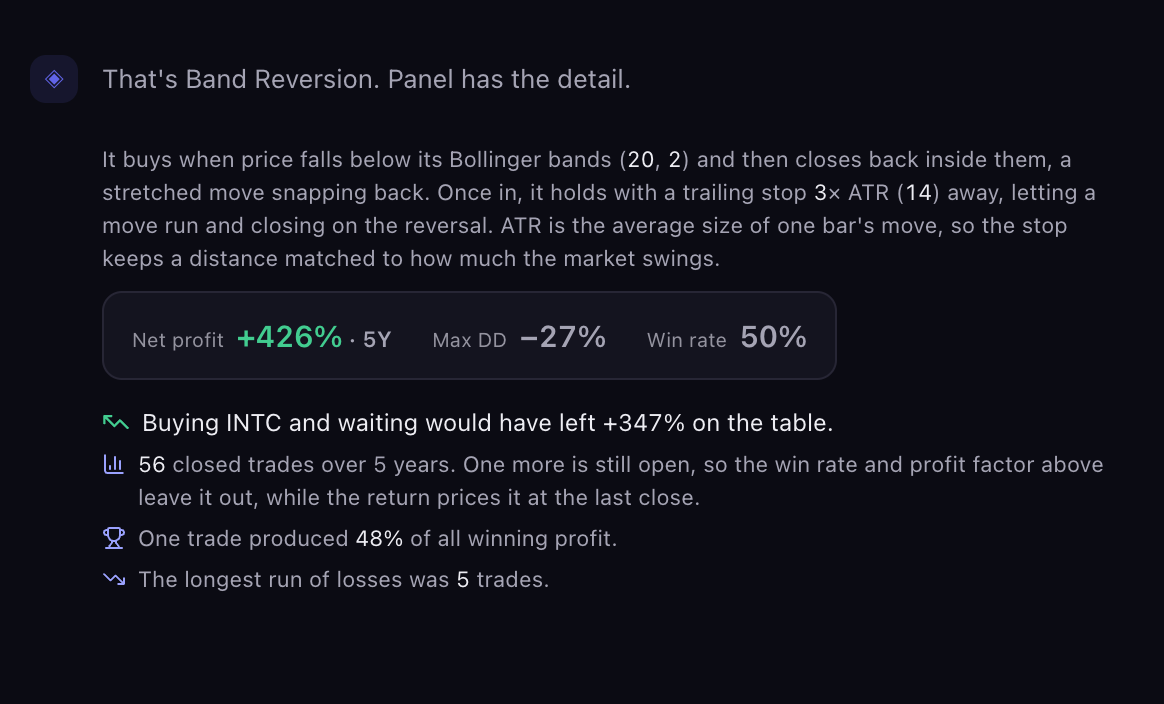
The chat is where every strategy starts. Describe what you want in plain English and Scribe builds a strategy to match, backtests it, and replies with a summary while the full report opens in the results panel.
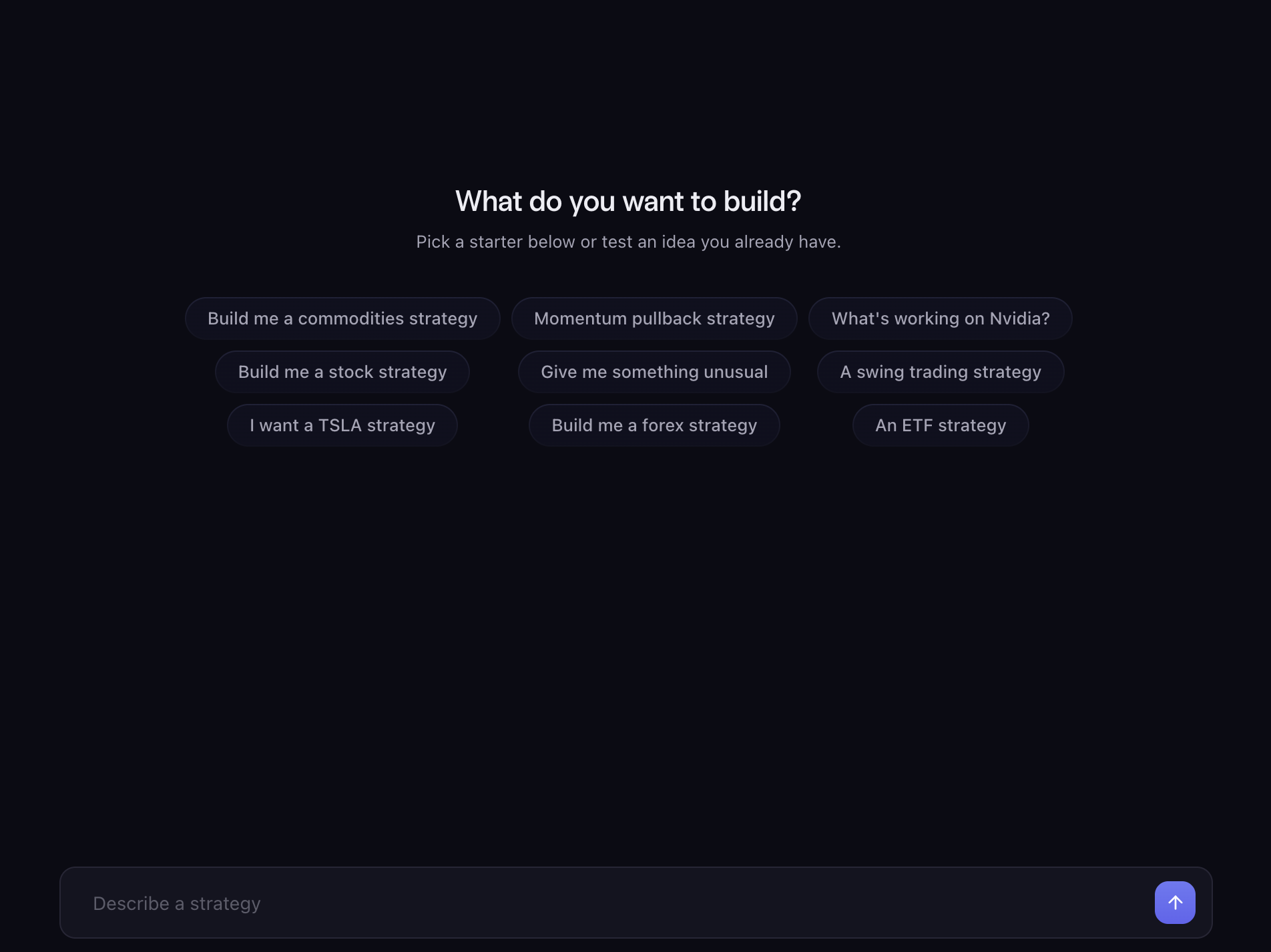
Three Ways to Start
Press a starter chip. A fresh chat opens with a row of ready-made requests: "Build me a stock strategy", "Momentum pullback strategy", "I want a TSLA strategy", "An ETF strategy", "Build me a forex strategy", "A swing trading strategy" and "Give me something unusual". The market behind a chip changes from chat to chat, so pressing the same chip in a new chat gives you a different market.
Type a request. The message box reads "Describe a strategy". Type what you want and press Enter or the send button.
Open a strategy you already have. From The Strategy Library, or from Saved Strategies or History.
Writing a Request
A request can be as short as a market name or as detailed as a full rule set. The more you say, the more precisely Scribe can build.
Name the market. A ticker or a name both work: "TSLA", "Tesla", "S&P 500", "gold", "EURUSD". Write tickers in capitals; a leading $ is fine too. If you name a market Scribe does not cover, it tells you and lists what is available.
Name a timeframe, if you care. 15m, 1h, 4h or 1d. Scribe also understands "15min", "60m", "hourly", "4hr", "daily" and "D". If you do not name one, Scribe picks and tells you which it picked.
Describe the rules, if you have them. Say what triggers a trade, any condition that has to be true, and which side to trade.
Example requests