The Strategy Library
Browse, filter and open ready-made strategies, each with its rules, its results and its code.
The Strategy Library is a browsable collection of strategies Scribe has already built and backtested, each with its rules, its full results and its code. Every strategy listed was backtested and was profitable over its test period. Find it under Scribe Studio in the sidebar.
Use the library when you would rather browse than ask: to scan what works on a market, to compare timeframes, or to pick a starting point to tweak.
The Table
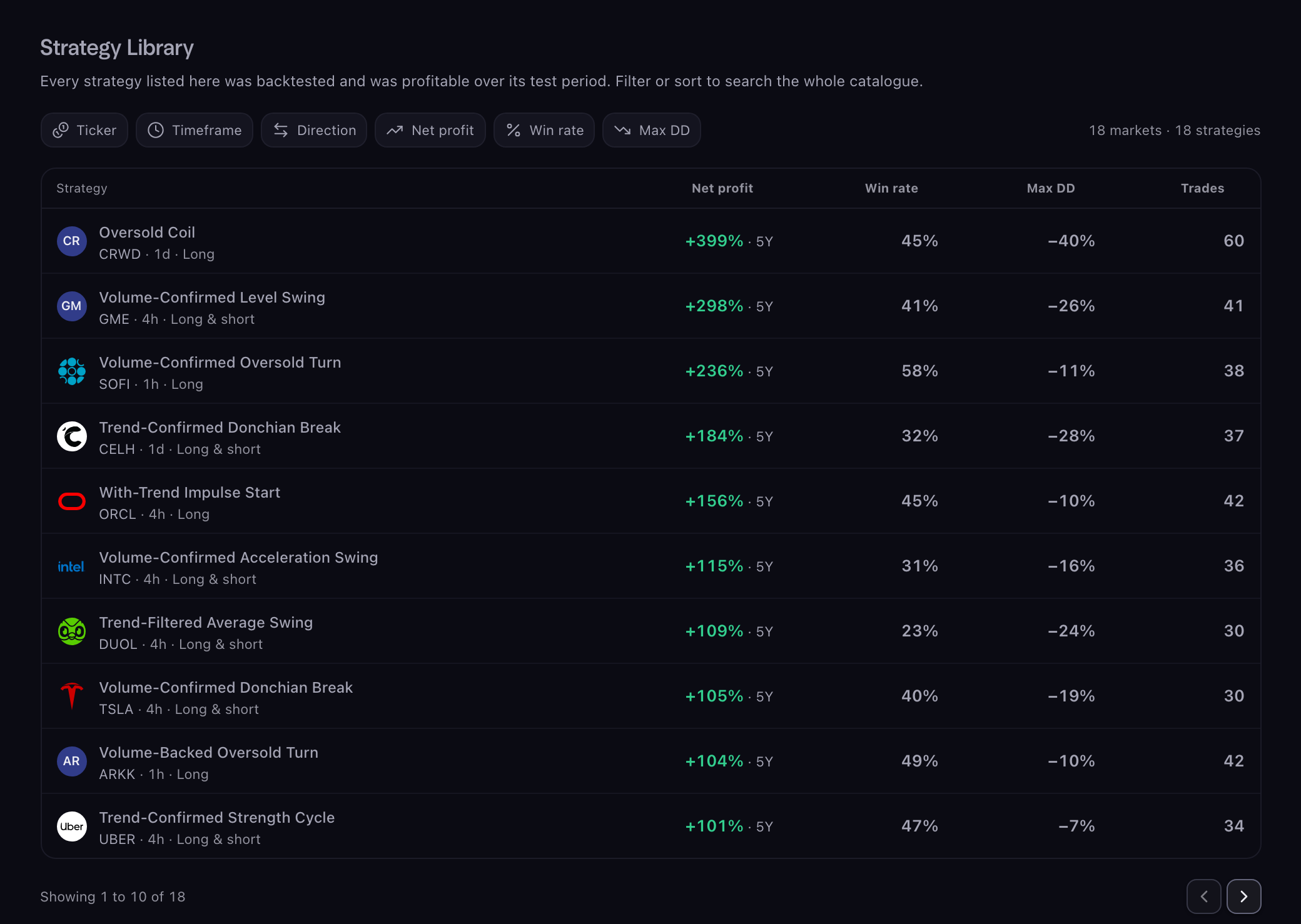
The library opens on Best per ticker: one strategy for each market, so you can scan the whole range at a glance. The moment you filter or sort, the table switches to the full list, and the count line above it says how many markets and strategies the library holds.
Each row shows the market's mark, the strategy's name, its ticker, timeframe and direction (Long, Short, or Long & short), then Net profit with the period it was measured over, Win rate, Max DD and Trades.
Filters
Six chips above the table. Press one to set it; a set chip fills in and shows its value, with an × to clear it. Clear filters clears them all and brings back Best per ticker.
- Ticker. Tick one or more markets. Type in the search box to narrow the list. This is also the full list of markets Scribe covers.
- Timeframe. Tick one or more of 15m, 1h, 4h, 1d.
- Direction. Long, Short, or Long & short. Applies the moment you pick.
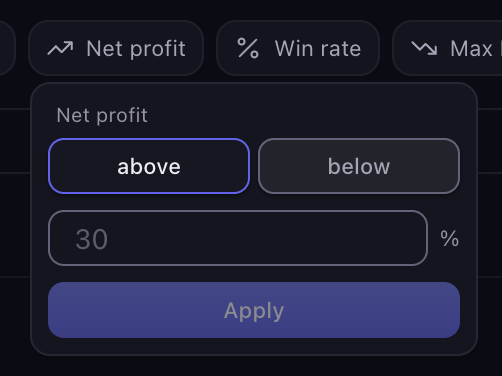
- Net profit. Above or below a percent.
- Win rate. Above a percent.
- Max DD. Below a percent. "Below 20%" means a drawdown shallower than 20%.
Ticker, Timeframe and the numeric filters take effect when you press Apply. "Above 30%" means strictly above; a strategy sitting exactly on 30% does not qualify. Filters combine: every set chip must match.