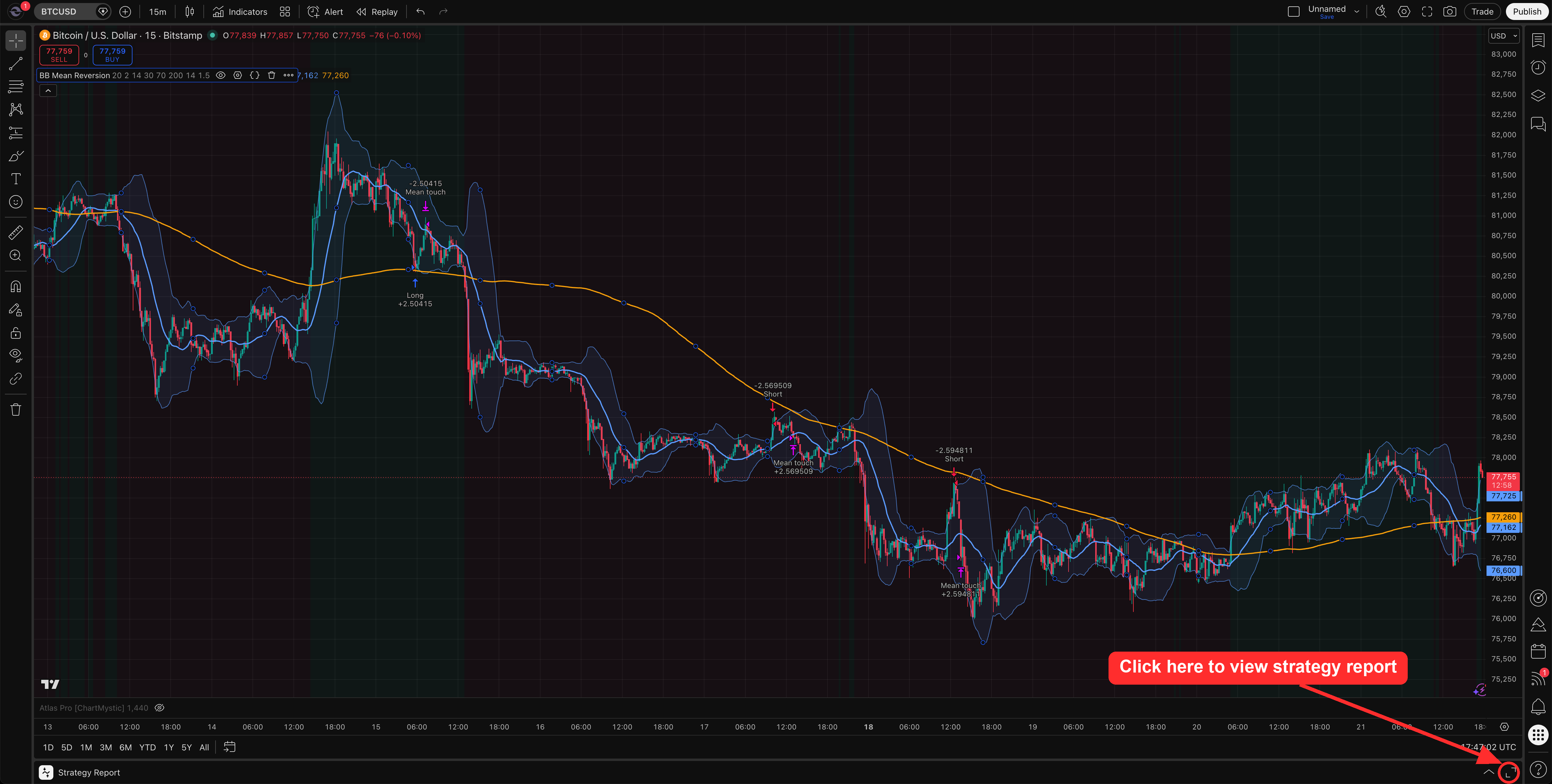
Transfer to TradingView
Put the strategy on your own TradingView chart, and use TradingView's report as a second check on the backtest.
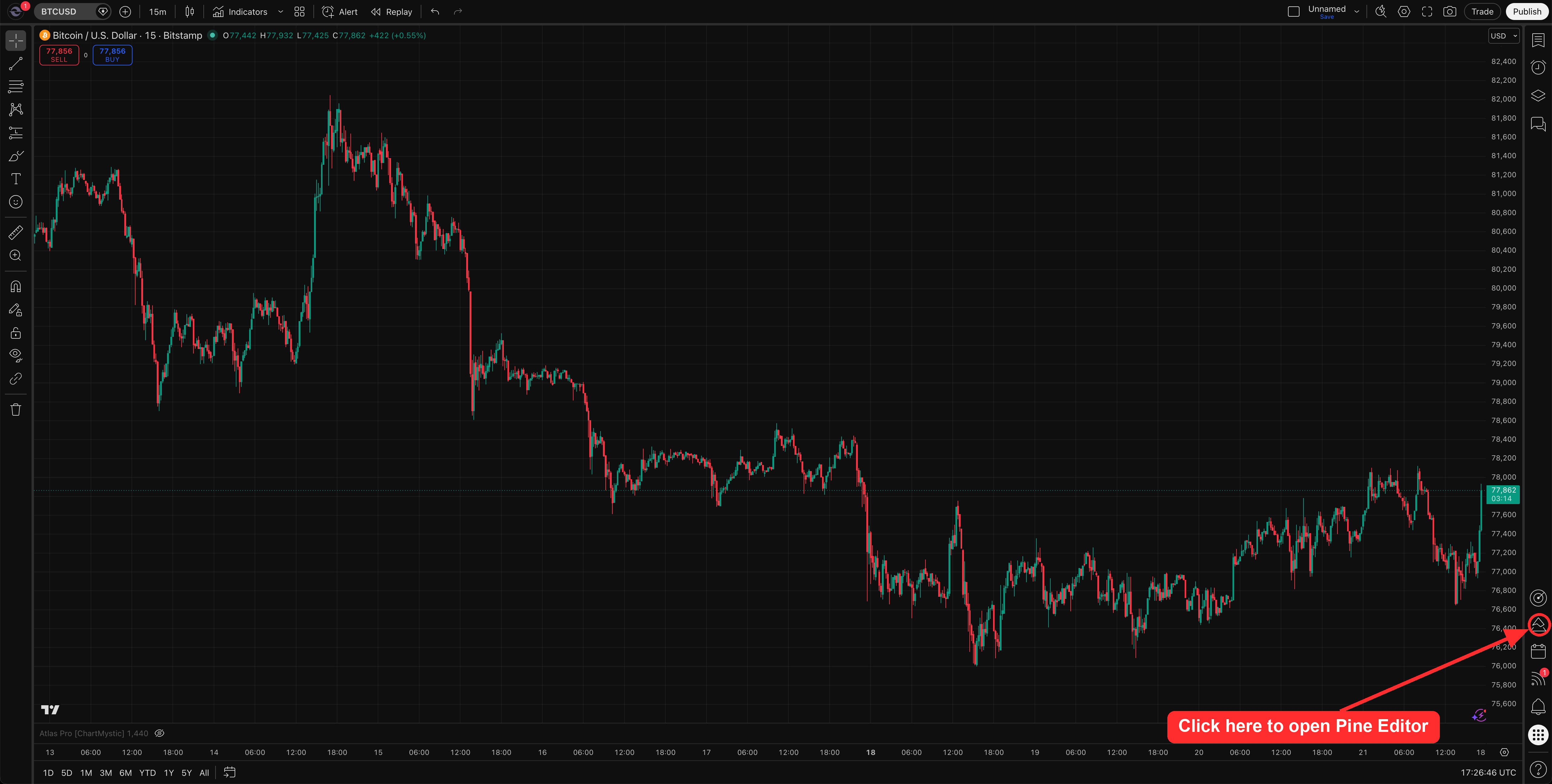
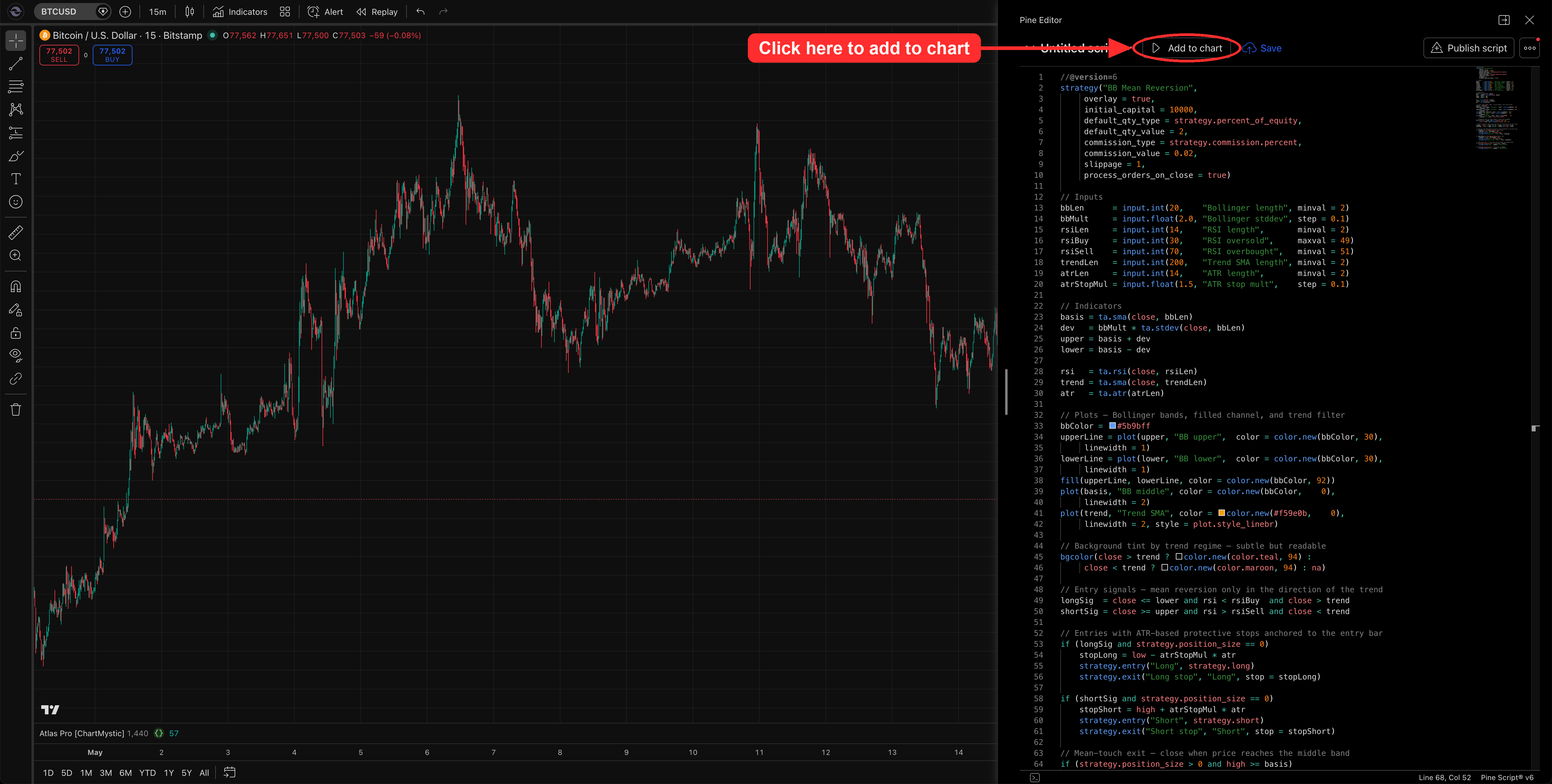
The last step in Scribe Studio is putting a strategy on your own chart. Every result carries its Pine Script, and TradingView runs it like any strategy: entries and exits drawn on the bars, and a report of its own underneath. You will need a TradingView account and a desktop browser, since TradingView's Pine Editor is desktop-only. A free TradingView account can paste and run the script.
Transferring a Strategy
Press Open in TradingView
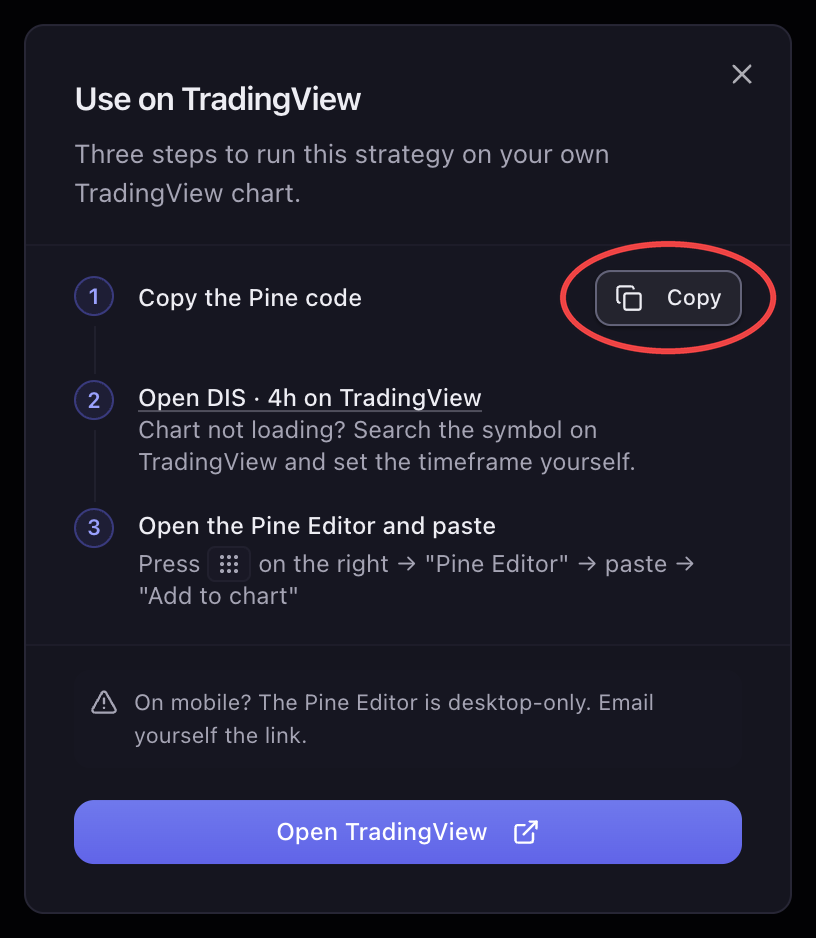
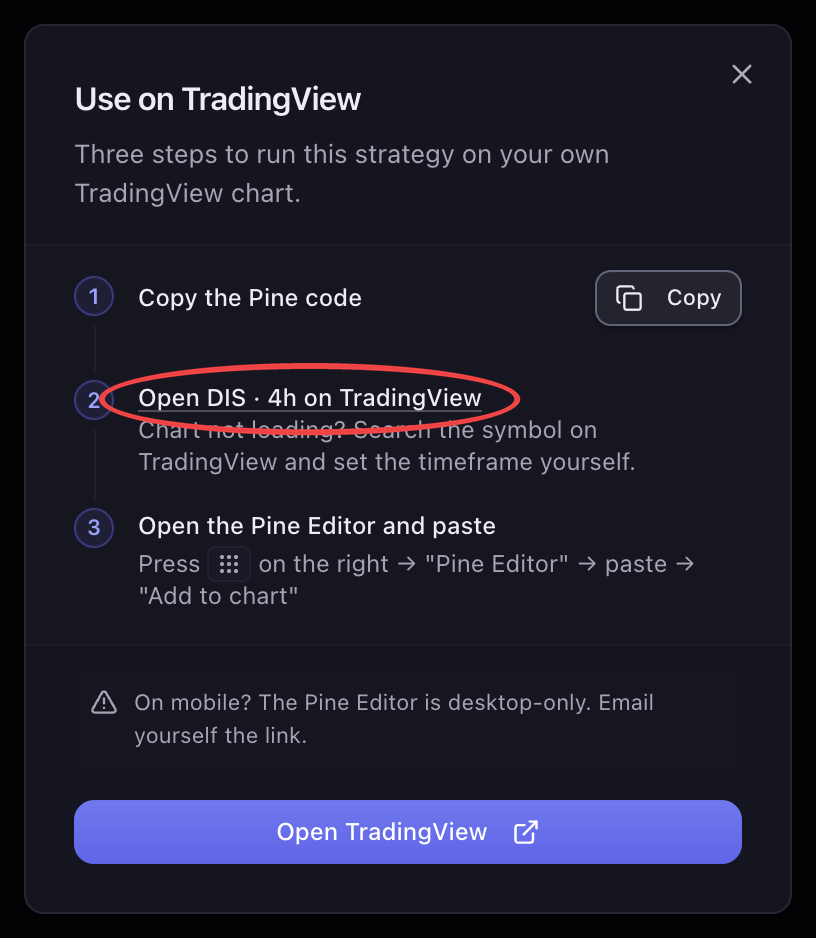
Open the run you want in the results panel and press Open in TradingView in the actions row above the tabs. A dialog titled Use on TradingView opens with three short steps, and it ticks each one off as you complete it.
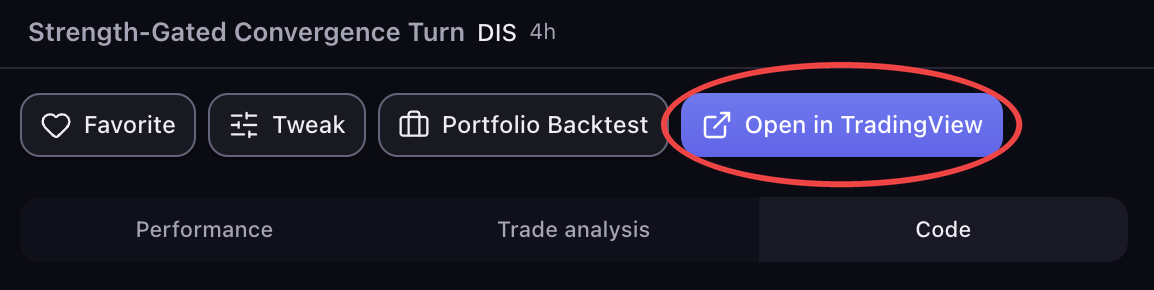
Copy the Pine Code
Press Copy in the dialog's first step. "Copied to clipboard" confirms it. The code is the strategy's full Pine Script, the same one on the Code tab, so there is nothing else to fetch. If your browser blocks the clipboard, the step says so; copy from the Code tab instead.