

History & Saved Strategies
Return to past conversations, and keep the strategies you like.
The studio keeps two records. History holds every conversation, with the results it produced. Saved Strategies holds the individual strategies you chose to keep.
History
Every conversation is kept. New Chat in the sidebar starts a fresh one; the one you were in is listed under History, also in the sidebar.
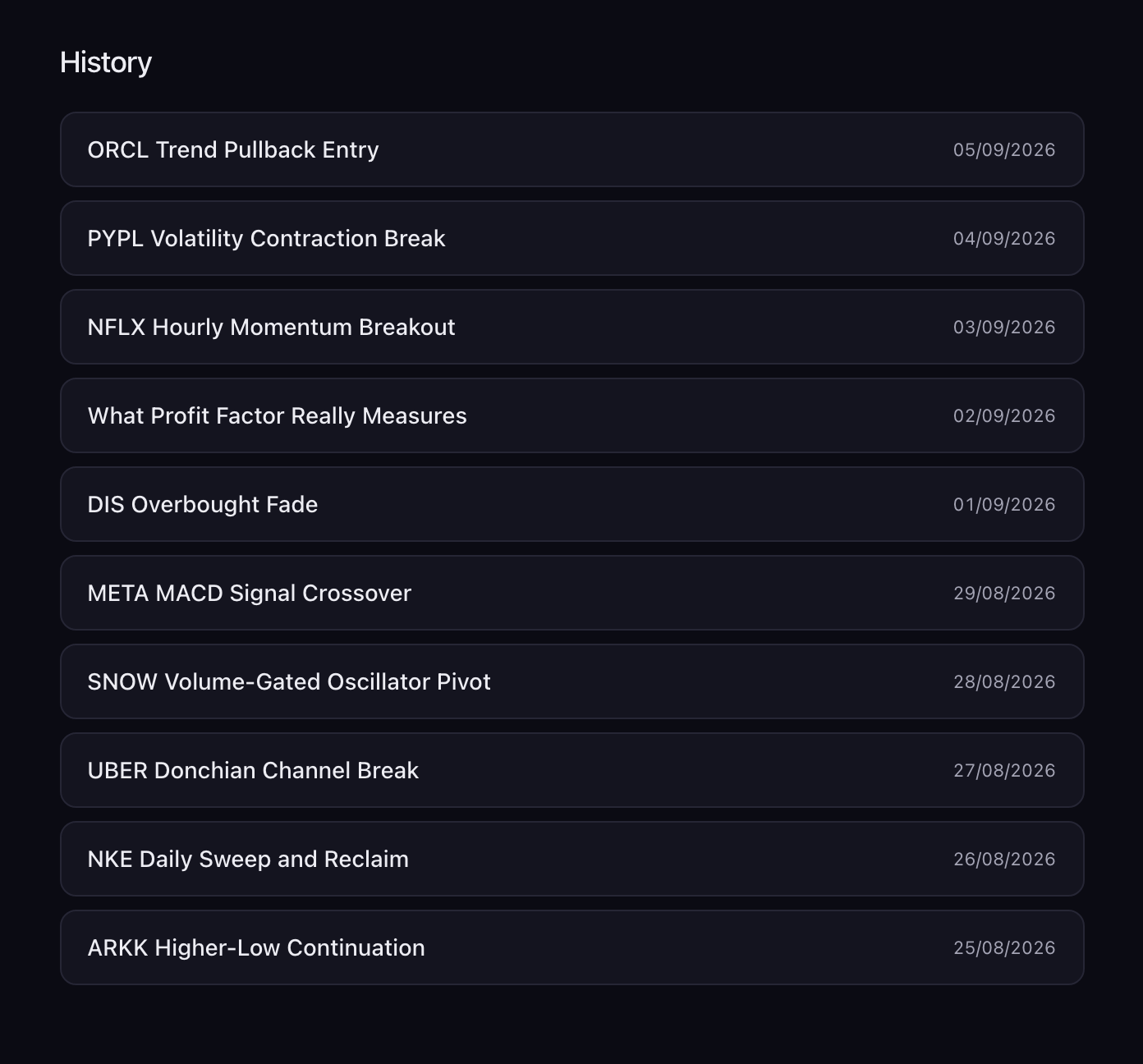
The History page lists your conversations, most recent first, each named after what it was about and dated. Click one to reopen it: the transcript comes back with its results, every restored run is in the panel's Strategy History dropdown, and your next message carries on from where you left off. Conversations cannot be renamed or deleted from the studio.
Saved Strategies
Press Favorite (the heart) in the actions row to save the run showing in the panel. The heart fills and "Saved to your collection" confirms it; press it again to remove it. A saved strategy keeps its rules and its numbers as they were when you saved it, so a later tweak produces a new run and leaves the saved one as it was. Save before and after a tweak if you want both.
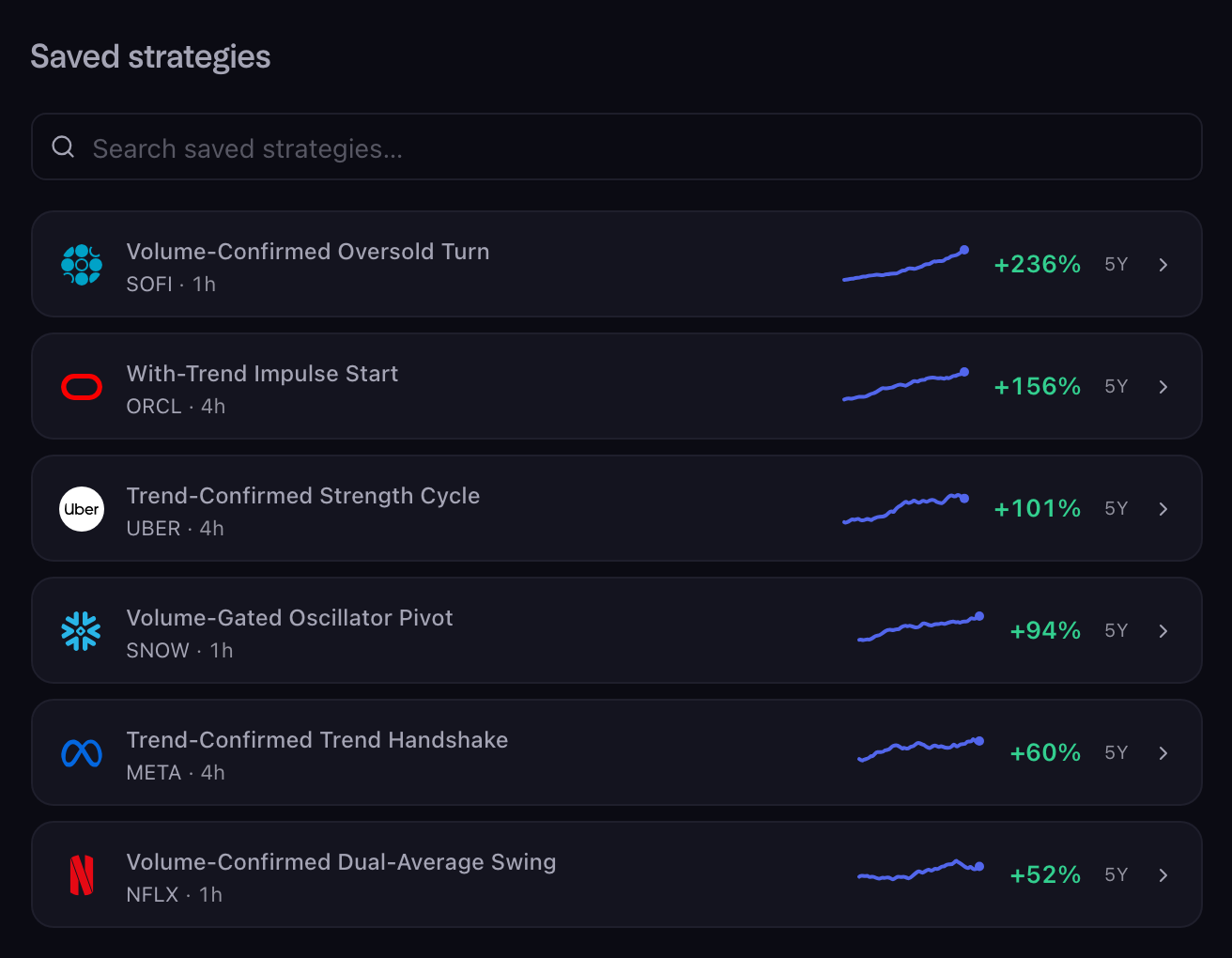
The Saved Strategies page, under Scribe Studio in the sidebar, shows each saved strategy as a card: the market's mark, the strategy's name, its ticker and timeframe, a small sketch of its equity curve, and its net profit with the period it was measured over. The search box matches names and tickers. Click a card to open the strategy in the studio; if you saved it during a conversation, that conversation comes back beside it.
Use Favorite for a strategy you intend to trade or come back to. Use History to find a conversation, or to compare the variations you tried in it.